
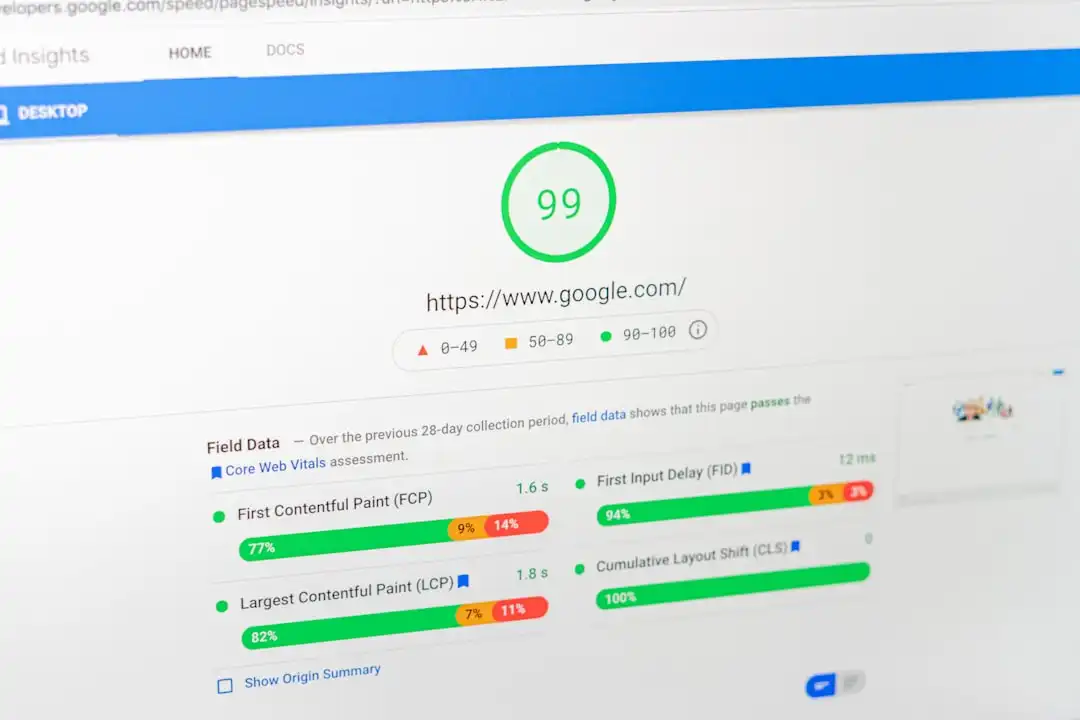
The speed of your website is a critical factor. It not only affects the user experience, but also search engine optimisation. Slow websites can put visitors off. This can mean a loss for your business. But how do you measure speed correctly? There are several tools available, such as GTmetrix, Google PageSpeed Insights and WebPageTest. Each of them illuminates different aspects of performance.
GTmetrix: Real Browser Testing
A GTmetrix uses real browser-based testing. This means that it loads your page using a real Chrome browser. So you can see exactly how it performs in real-world conditions. You can choose different locations, connections and devices to test. These options allow you to get realistic results. In addition, GTmetrix gives you the possibility to set various configurations, such as disabling JavaScript or blocking specific scripts. This makes it ideal for diagnostics and debugging. The main drawback is that the free version is very limited.
Google PageSpeed Insights: simulations and real data
A Google PageSpeed Insights is another popular tool. It mixes simulated lab data and real user data. This is particularly useful if you want to understand how Google sees your website. However, you can't test it under different conditions, like you can with GTmetrix. PageSpeed Insights focuses mainly on Core Web Vitals. These are important for SEO, but can sometimes be too strict. For example, they can penalize features like video backgrounds or animations that are important to users.
WebPageTest: detailed analysis of your website
A WebPageTest a second opportunity for a more detailed analysis. This tool gives the opportunity for in-depth, personalised testing. Although the learning curve is steeper, the results can be useful for optimising web performance. The tool provides detailed waterfall charts and debugging data. However, WebPageTest is less user-friendly and constant monitoring is limited in lower-end packages.
Comparison of advantages and disadvantages
- GTmetrix: Realistic results through real browsers. Customizable settings. Easy to understand reports, but the free version is severely limited.
- Google PageSpeed Insights: SEO aspects and Core Web Vitals. A mix of simulated and real data. Sometimes too strict evaluation.
- WebPageTest: Detailed analysis and personalised testing. More complex use. Limited monitoring in lower packages.
If you want to improve the speed of your website, choose a tool that suits your needs. GTmetrix is ideal for testing real-world performance, Google PageSpeed Insights focuses on SEO, while WebPageTest offers detailed analysis. If you have questions or need help optimising your website, get in touch free consultation, and look at the options.