In 2026, the poorly chosen WordPress Plugins pose serious security risks. Pirated copies, as well as outdated and unupdated plugins, can be particularly dangerous, which is why it is important to carry out thorough research and update them regularly.
The use of WordPress plugins is essential for expanding a website’s functionality. However, poorly chosen plugins can not only impair the site’s performance but also pose serious security risks. In 2026, it is particularly important to pay close attention to which plugins we install. Security vulnerabilities, outdated code and pirated copies can easily put our website at risk.
Not all extensions are created equal. Some no longer receive updates because their developers have retired or passed away. Other plugins are simply poor quality or riddled with security vulnerabilities. Furthermore, there are numerous pirated versions of paid plugins circulating online, which may seem tempting but are actually a threat. With this blog post, I’ll help you avoid these pitfalls: I’ll show you which WordPress plugins you shouldn’t use to keep your website secure.
The dangers of malicious plugins
Using poor-quality plugins can cause a number of problems. Firstly, these plugins often slow down your website. Slow loading times? A poor user experience, users leaving the site, and a loss of revenue. But there’s worse: security risks. A poorly written extension is an open door for hackers. If the extension doesn’t receive regular updates, the risk only increases.
Some plugins are simply poorly designed. Such plugins often conflict with other plugins, which can cause functional problems on the site. Due to these conflicts, the website may even become completely inoperable. It is therefore advisable to be cautious and thoroughly check every new plugin before installing it.
I often come across these kinds of problems when maintaining the websites I’ve created. The website slowdown Poor-quality extensions are a major contributing factor. If you’re unsure which extension to choose, ask a professional for advice!
It is extremely important to ensure that plugins are always up to date. Out-of-date plugins can not only cause technical problems, but also leave security vulnerabilities on the website. Failure to carry out regular updates puts the site at risk and increases the risk of attacks.
Problems with outdated plugins
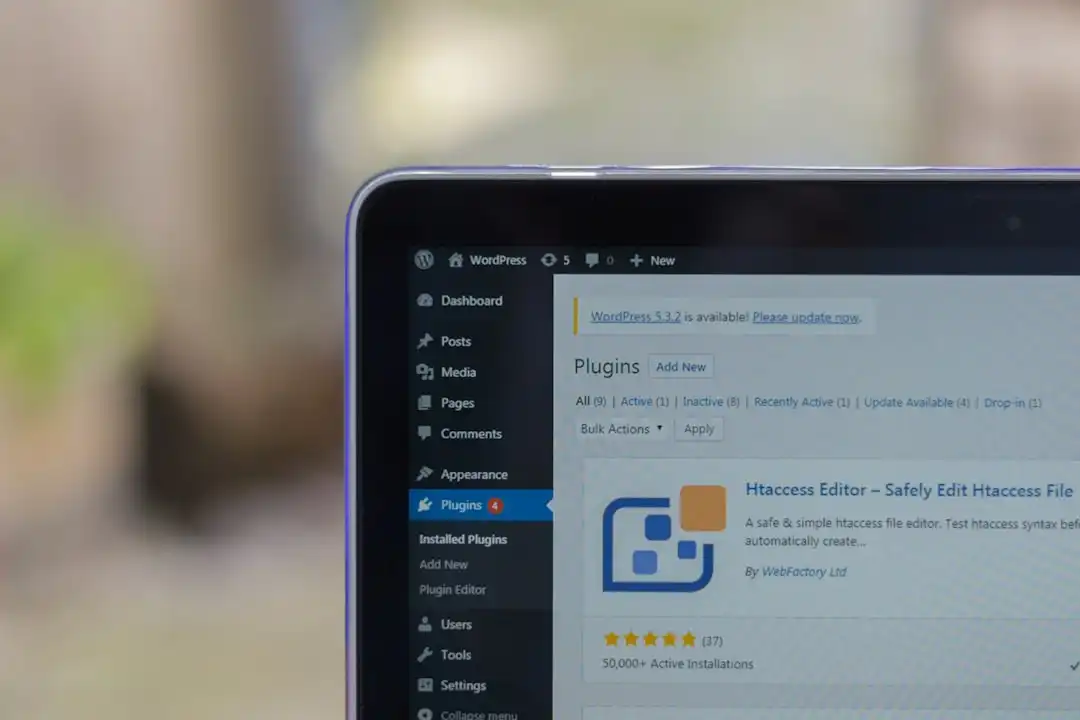
Outdated plugins are often the biggest sources of errors. When a developer no longer supports a plugin, the outdated code can leave security vulnerabilities in its wake. These vulnerabilities make for easy targets for hackers. Using such plugins is like using an old, rusty lock on your front door.
A common problem is that outdated plugins are not compatible with newer versions of WordPress. This can cause serious malfunctions on the site, as communication between the plugin and the system may be disrupted. To avoid such situations, it is important to regularly check the status of your plugins and update them if necessary. This can also cause problems with other content management systems (CMS), such as Joomla.
A measuring website speed This can help you identify whether an outdated plugin is slowing down your site. If you notice any issues, it’s worth taking immediate action and either updating the plugin or replacing it with a more reliable alternative.
Outdated plugins often do not receive security updates, which can be particularly dangerous. Keeping plugins up to date is essential for maintaining the security of your website.
Detecting pirated copies
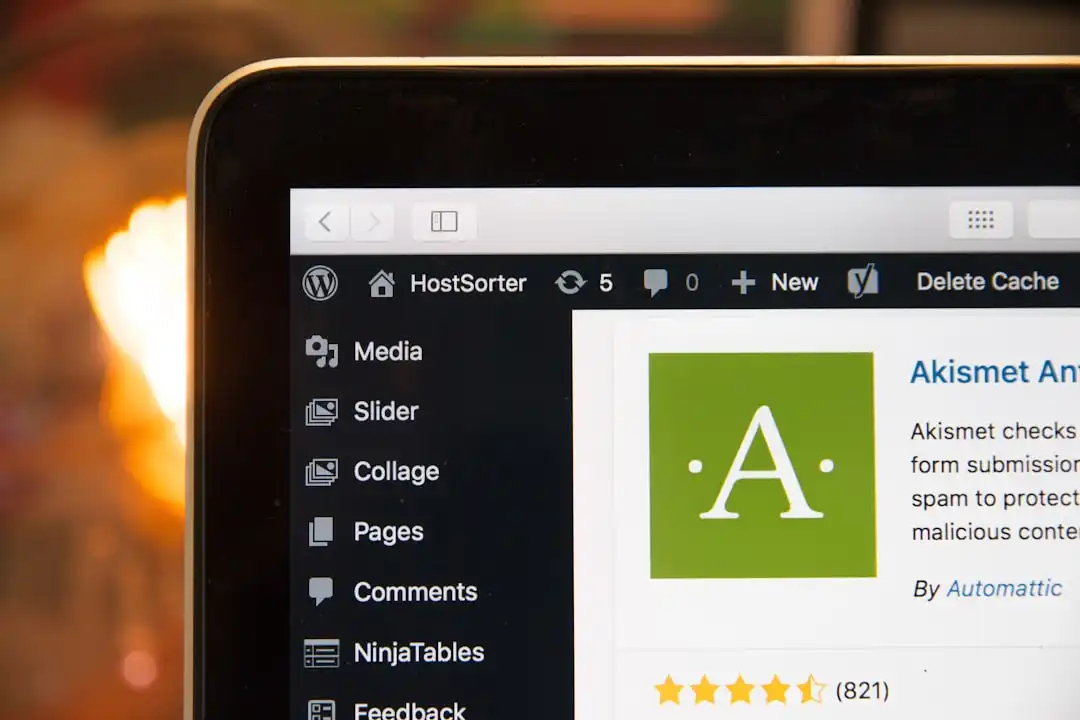
Pirated plugins are particularly dangerous. These are plugins that are illegal copies of the original, paid plugins. They are often riddled with security vulnerabilities and may also contain malicious code. Using pirated copies not only jeopardises the security of your website but can also lead to legal problems.
How can you spot pirated copies? First of all, check the source of the plugin. If the plugin does not come from a reliable source, it may be suspicious. Furthermore, pirated copies often lack proper documentation and support. If the extension does not come with regular updates or customer support, it is likely a pirated copy.
To avoid pirated copies, always purchase plugins from official sources. Genuine plugins come with regular updates and support, which ensures the reliability and security of your website.
Whichever plugin you choose, it’s important to test it thoroughly. It’s always a good idea to make a backup before installing a plugin. That way, if any problems arise, you can easily restore your site to its previous state.
Lack of security updates
The lack of security updates is one of the biggest risks associated with WordPress plugins. When a plugin no longer receives security updates, it means that the developer is no longer maintaining the code. This can lead to serious security vulnerabilities that hackers can easily exploit.
Security updates are often not provided for outdated plugins. Using such plugins poses a significant risk, as hackers are constantly on the lookout for vulnerabilities in old code. It is therefore important to check and update your plugins regularly.
Ongoing maintenance and the installation of security updates are essential for a secure website to function properly. The SSL certificate Using it also helps to keep the website secure, but regularly updating the plugins is just as important.
Failing to install security updates not only jeopardises the security of your website, but also puts your visitors’ data at risk.
How do you choose secure plugins? Which WordPress plugins should you avoid?
Choosing safe extensions isn’t easy, but a few simple steps can help. First of all, always check the extension’s ratings and user reviews. Low ratings and negative feedback often indicate problems.
Check the plugin developer as well. A reliable developer updates their plugin regularly and is ready to resolve any issues that arise. Developer support is essential should you encounter any problems with the plugin.
It is also important that the plugin is compatible with the latest version of WordPress. A lack of compatibility can cause functional issues and compromise the security of your website.
As well as choosing secure plugins, it is also important to carry out regular maintenance and create backups. This ensures that your website always runs smoothly and is protected against external attacks.
Poorly chosen WordPress plugins could pose serious risks to your website in 2026. Pirated copies, outdated plugins and a lack of security updates are all problems that can be avoided with the right precautions and expertise. If you’d like, I’d be happy to advise you on choosing the best plugins to ensure your website remains secure and functional at all times. Get in touch with me at on the contact form …if you need any further help!